WebGL with Three.js
Rotating cubes and stuff
Ing. Jan "Pitel" KalábAbout me
- @Pitlik
- Studied FIT BUT (master thesis about WebGL)
- Works at IPEX
- Loves computer games, 3D graphics, Blender, programming, new technologies, Linux, geocaching… and my wife
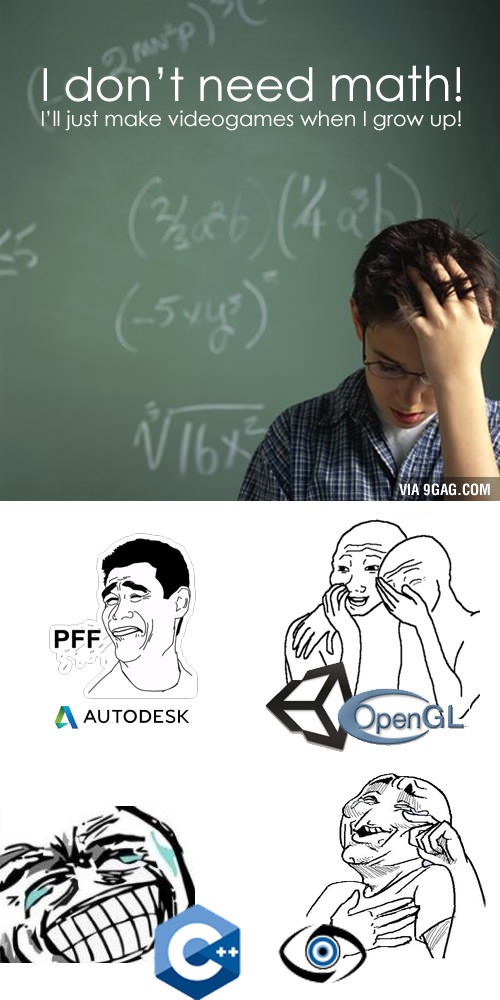
OpenGL is not fun
- Allocate buffers
- Create vertices, edges, faces
- Apply matrices
- Write vertex and fragment shaders
- Compile and link them
- …
- Draw!
But all I want is rotating cube and pretty pictures! ☹

WebGL is not fun either
- Allocate buffers
- Create vertices, edges, faces
- Apply matrices
- Write vertex and fragment shaders
- Compile and link them
- …
- Draw!
Just in JS. ☹
WebGL in a nutshell
<canvas id="glcanvas" width="800" height="600">
  Your browser sucks!
</canvas>
var gl = document.getElementById("glcanvas").getContext("webgl");
if (gl) {
  gl.whatever();
}
We Need To Go Deeper
- OpenGL ES 2.0 (3.0 soon)
- All modern browsers (even IE 11, kind of) supports it
- Communicates directly with GPU driver
Three.js to the rescue!
- Scenes
- Cameras
- Geometries
- Materials
- Effects
- Interactivity
- …
Guaranteed fun! ☺
http://threejs.orgCube!
<script src="https://rawgithub.com/mrdoob/three.js/dev/build/three.min.js"></script>
<canvas style="width: 100%; height: 100%; position: absolute; top: 0; left: 0; opacity: 0.25;">
  Your browser sucks
</canvas>
var canvas = $('canvas');
var scene = new THREE.Scene();
var camera = new THREE.PerspectiveCamera(
  60,
  canvas.innerWidth() / canvas.innerHeight(),
  0.1,
  3);
var renderer = new THREE.WebGLRenderer({
  canvas: canvas.get()[0],
  alpha: true,
  antialias: true
});
renderer.setSize(canvas.innerWidth(), canvas.innerHeight());
var cube = new THREE.Mesh(
  new THREE.CubeGeometry(1, 1, 1),
  new THREE.MeshBasicMaterial({
    map: THREE.ImageUtils.loadTexture('brnojs.png'),
    shading: THREE.FlatShading
  })
);
cube.material.map.anisotropy = renderer.getMaxAnisotropy();
scene.add(cube);
camera.position.z = 2;
var render = function() {
  requestAnimationFrame(render);
  cube.rotation.x += 0.0005;
  cube.rotation.y += 0.001;
  renderer.render(scene, camera);
};
render();
Debugging
- Three.js helpers
- WebGL Inspector (Chrome)
- Firefox Developer Tools
Utils
Stats.js
- Performace monitoring (FPS, latency)
- Chrome Developer Tools (F12 → Esc → Rendering → Show FPS meter)
dat.GUI
- Realtime parameters display and modification
- Numbers, strings, colors, …
- Ranges, folders, presets
ProTips
- Keep 60 FPS
- Use shaders where possible
- Use web workers
- Textures are not just images (RGBA = 4 × 8 bits)
- Think outside the box